# Additional requests

If you’re making a booking for a `Room` resource, you may be able to make additional requests. This is optional and depends on your agency, the resource, and the booking date and time.

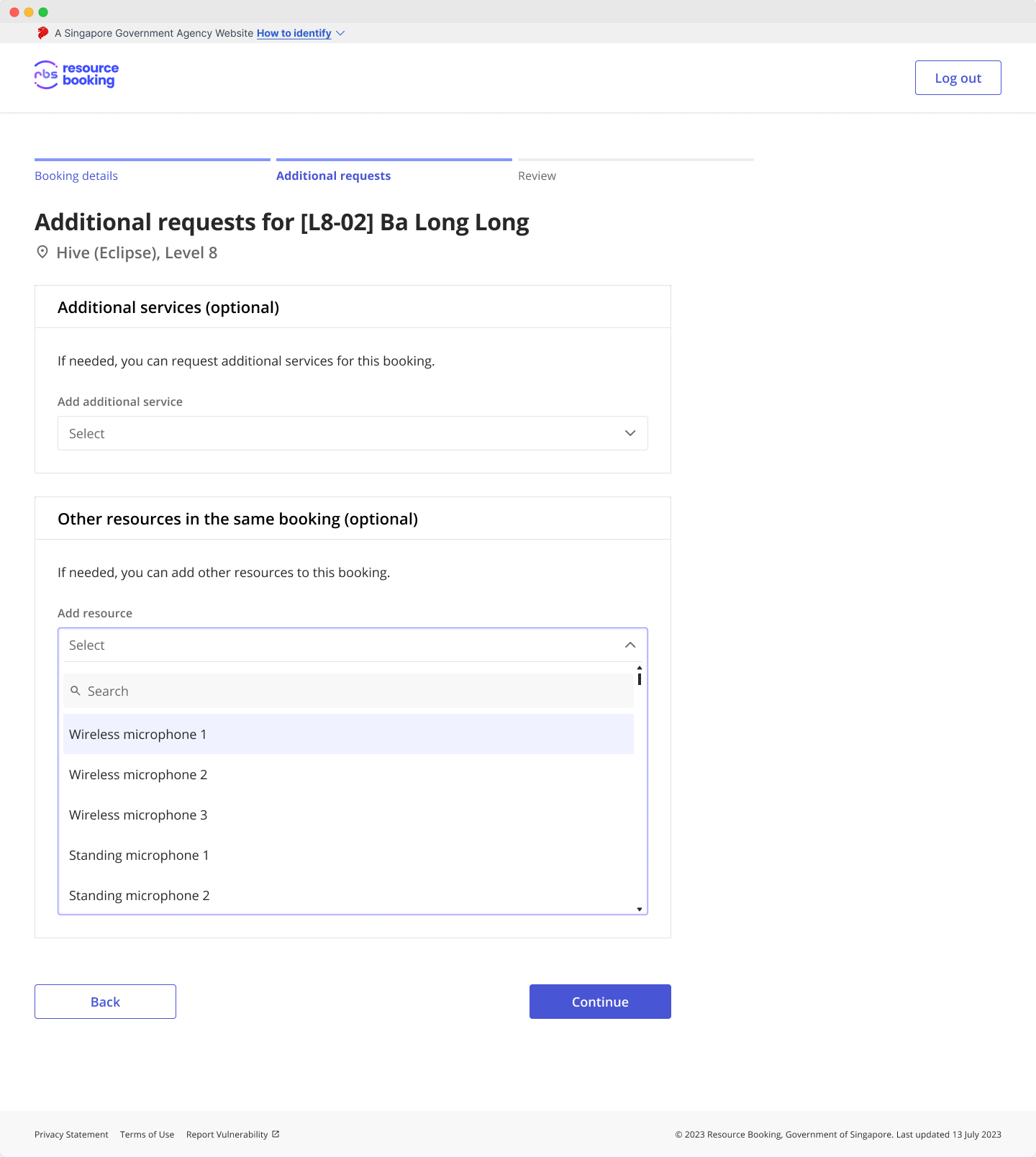
If additional requests are available, it’ll be shown after the `Booking details` step in the booking form.

<figure><img src="https://275544719-files.gitbook.io/~/files/v0/b/gitbook-x-prod.appspot.com/o/spaces%2FECsKoWKsPJgX9lpiUuXF%2Fuploads%2FRoivbuiixjfRMnAwphgL%2FAdditionalRequests-1.png?alt=media&#x26;token=5ec9c3bc-e105-44d1-a760-11eb9e3c0ab7" alt="Screenshot of the booking form which shows the Additional requests step"><figcaption></figcaption></figure>

There are 2 types of additional requests:

* **Additional services**\
  These are extra services you can request for along with your booking. For example, beverages for your meeting attendees or food catering for a workshop. What’s available depends on your agency.<br>
* **Other resources in the same booking**\
  These are other resources that you can add to your booking. For example, a portable projector or flip chart. It saves you time from making a separate booking. What’s available depends on your agency and the resource.

***

### Related articles
<table data-view="cards"><thead><tr><th></th><th></th></tr></thead><tbody><tr><td><a href=""><strong>Making bookings</strong></a></td><td>Understand how resource bookings work.</td></tr><tr><td><a href="form-details"><strong>Form details</strong></a></td><td>Learn how the fields shown in the form affect your booking.</td></tr><tr><td><a href="layouts"><strong>Layouts</strong></a></td><td>What happens when you select a different layout for a <code>Room</code> resource.</td></tr></tbody></table>
